

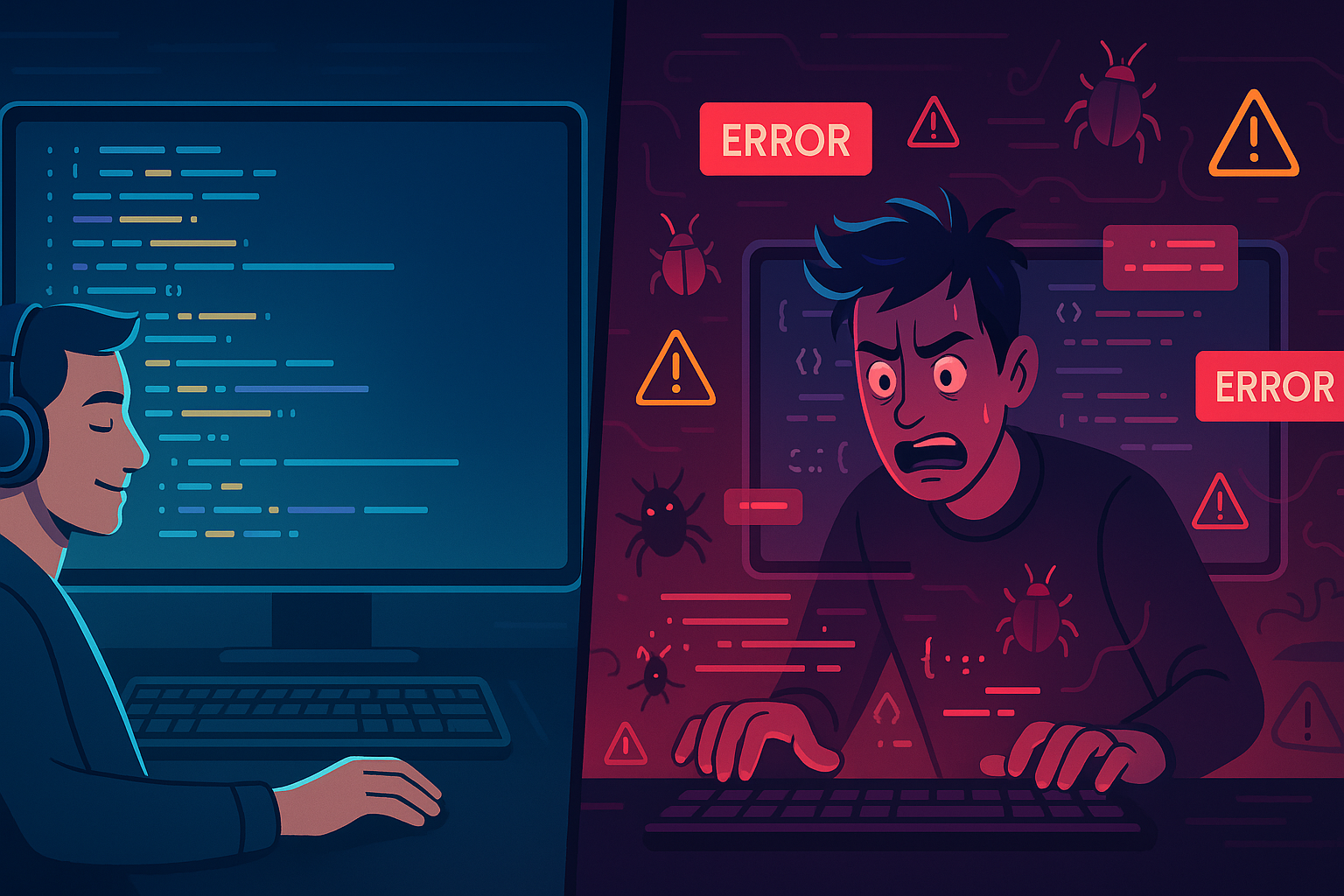
AI-driven development—or “vibe coding”—is all the rage. But what happens when developers lean too hard on it without truly understanding what they’re building? As an experienced dev, I’m breaking down the real-world pros and cons of vibe coding, including the hidden risks no one’s talking about.
Vibe Coding: The Double-Edged Sword of AI-Assisted Development
These days, it feels like AI is everywhere. It’s writing code, pushing commits, building apps, and sometimes even launching them—all on autopilot. They call it vibe coding: sit back, vibe with your favorite music or YouTube playlist, describe what you want in natural language, and let the AI handle the rest. Sounds magical, right?
Well, as someone who’s been slinging code for years and has seen more than a few dev cycles, let me tell you—this new era of development comes with some serious caveats.
What Is Vibe Coding, Exactly?
Vibe coding refers to the practice of using AI tools (like GitHub Copilot, ChatGPT, Claude, etc.) to write and develop applications with minimal human input. The dev provides simple prompts or instructions, and the AI generates large chunks—or even entire components—of code.
It’s like coding by vibes. You don’t necessarily understand every line of code being produced. You’re just… guiding the AI and vibing along for the ride.
The Upside: How AI Assists (When Used Correctly)
1. Faster Prototyping
AI can help you move from concept to prototype quickly. It handles boilerplate code, setups, and even UI elements if prompted properly.
2. Error Spotting & Debugging
A well-placed AI prompt can spot bugs or suggest fixes that save time and frustration.
3. Context-Aware Suggestions
Advanced AI models understand your codebase and suggest solutions aligned with your existing patterns.
4. Learning Aid
AI can assist in exploring unfamiliar tech stacks or libraries when documentation falls short.
The Dark Side: When Vibe Coding Goes Wrong
1. Security Nightmares
I’ve seen AI-generated code:
- Store passwords in plain text
- Leave endpoints wide open
- Leak secrets to the frontend
- Miss basic authentication or validation
Security is not something AI naturally prioritizes—especially when prompted by someone who doesn’t understand what’s at stake. If you’re new to security, check out my guide on getting started in cybersecurity and learn about securing web applications to understand common vulnerabilities like SQL injection, XSS, and authentication flaws that AI might introduce.
2. False Confidence for Beginners
Beginner devs can get lulled into a false sense of skill, shipping code they don’t understand and can’t maintain. If you’re just starting out, focus on learning fundamentals first—like version control with Git—before relying too heavily on AI assistance.
3. Spaghetti Codebases
Without proper oversight, AI can generate inconsistent, bloated, or hard-to-maintain code structures. This is where code review practices and understanding software engineering principles become critical—AI doesn’t know your team’s coding standards or architectural decisions.
4. No Edge Case Awareness
Unless you tell it otherwise, AI will write happy-path-only code. Failures, edge cases, or performance scenarios are easily missed. This is particularly dangerous in security-sensitive areas—AI won’t think about SQL injection risks or XSS vulnerabilities unless you explicitly prompt for secure coding practices. Always refer to security best practices from OWASP when reviewing AI-generated code.
So Who Should Be Vibe Coding?
If you’re an experienced developer, AI is a fantastic tool. It’s like having a junior developer assist you—just faster and always available.
But if you’re still learning the ropes? Vibe coding should supplement, not replace, your learning process. Use it to explore ideas, then go back and understand why the code works. Start with foundational skills like version control and web security basics before relying too heavily on AI assistance.
How I Use AI in My Workflow
I don’t blindly accept what AI gives me. Instead, I use it to:
- Brainstorm architectural approaches
- Automate boilerplate code
- Cross-check bug solutions
- Summarize confusing documentation
But final decisions always come from me, not the AI. I also make sure to review AI-generated code for security issues, especially when dealing with authentication, data handling, or user input—areas where common web vulnerabilities often lurk.
The Future of Vibe Coding
I predict we’ll see:
- Secure AI models trained with real-world vulnerabilities in mind (similar to how AI is transforming cybersecurity with threat detection)
- More advanced IDE integration (tools like VS Code, JetBrains IDEs are already integrating AI assistants)
- Better AI/human pair programming workflows
But one thing’s for sure—developers who can understand, review, and adapt AI output will always be in demand. As AI becomes more prevalent in development, understanding security implications becomes even more critical—check out resources like the OWASP Top 10 to stay informed about common vulnerabilities.
TL;DR — Pros & Cons of Vibe Coding
Pros:
- Rapid prototyping
- Help with debugging
- Learning aid
- Reduces repetitive work
Cons:
- Security issues
- Overconfidence in junior devs
- Messy, inconsistent code
- Poor error/edge handling
FAQs
Can AI write production-ready code?
Sometimes—but always review it thoroughly.
Is vibe coding good for beginners?
It can be—if paired with serious study and mentorship.
How can developers safely use AI in projects?
Treat AI like a junior dev. Review, test, and refactor before shipping. Always follow secure coding practices and validate that AI-generated code doesn’t introduce vulnerabilities. Consider using security scanning tools like Snyk or GitHub’s Dependabot to catch issues early.
Final Thoughts
Vibe coding isn’t bad—it’s just misunderstood. With the right experience, it can save you hours of time and even spark new ideas. But without experience? It’s a fast path to fragile, insecure, and unscalable projects.
Vibe responsibly, folks.
If you found this helpful, you’ll love the rest of my blog at An Experienced Developer’s Experiences. See you there!